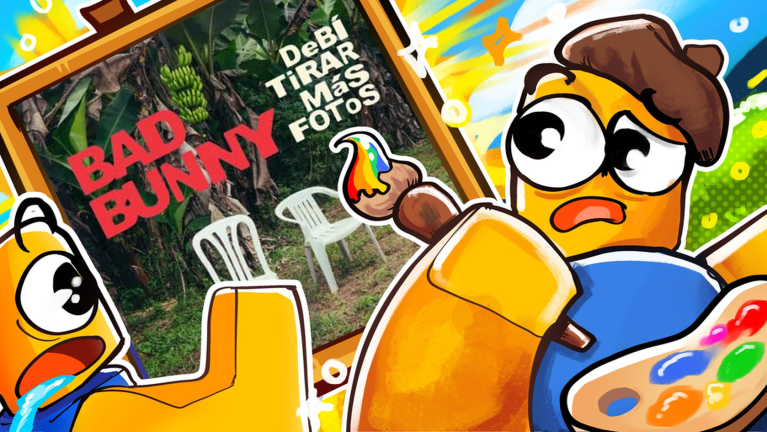
Paint an Album lets you recreate your favorite album artwork on a shared canvas with up to three friends. Whether you're a casual creator or perfectionist, these tips will help you paint faster and smarter.
Search for Any Album Cover Instantly
The game's search feature is your biggest shortcut. Instead of trying to paint from memory or a blurry phone photo, search the live database to load the exact album cover onto your board. This saves time and ensures the colors and details match the original. Search for nearly any album that exists — the database is huge.
Claim Your Plot Early
When you join a lobby, grab one of the four available painting spots as soon as possible. Each player gets their own plot, so pick one and start working. Don't wait around — your friends might take the spots you want. You can paint alongside up to three other people in real-time, so communication and planning helps avoid stepping on each other's work.
Work Together Strategically
Playing with friends? Divide the album cover into sections before you start painting. One person takes the top half, another takes the bottom, or you split by color zones. This prevents collision and lets everyone paint at the same time without delays. Real-time collaboration means your brushstrokes appear instantly to other players.
Use Auto-Save to Your Advantage
Your progress saves automatically as you paint. If you need to leave mid-painting, close the game without worry — you'll pick up exactly where you left off when you return. This is perfect for long paintings that take multiple sessions. You don't need to babysit your save; it happens in the background.
Start with Familiar Albums
Your first paintings should be albums you know well or ones with simple color palettes. Complex designs with many colors and fine details take longer and can feel overwhelming as a beginner. Choose something iconic and easy to break down into blocks. You'll learn the painting mechanics faster and finish with confidence.
Paint Bold Colors First
Start with the background or dominant colors, then move to details and accents. This gives you a clear base to work from and makes smaller color changes feel less chaotic. You can always go back and refine, but laying down the main palette first keeps you organized.
Zoom and Navigate Smoothly
Get comfortable zooming in and out on your board. Zooming in helps you place precise details; zooming out lets you see the full picture and spot imbalances. Navigate smoothly between zoomed views so you can compare your work to the original album cover constantly.
Take Breaks on Big Projects
Large or detailed album covers can take a long time to complete. Paint in sessions rather than one marathon sitting. Thanks to auto-save, you can stop anytime and come back later without losing progress. Your motivation and accuracy will stay higher if you paint in chunks.
Experiment with Different Albums
Don't stick to just one genre or era. Try minimalist album covers, colorful ones, black-and-white designs, and album art from different decades. Each style teaches you something new about color theory and composition. The search database has thousands of options — explore them.
Invite Friends for Multiplayer Fun
Paint an Album shines when you play with friends. Invite three others to a private or public lobby and tackle albums together. You'll paint faster, laugh more, and create memories. The 4-player limit means you have a snug group for real-time collaboration.